In 30 seconds
Thermal or piezo – two ways to fire a droplet
Thermal inkjet
A tiny heater in each nozzle heats the ink for a few millionths of a second. A vapour bubble forms and pushes a droplet out.
Piezo inkjet
A small crystal behind each nozzle flexes when a voltage is applied and squeezes a droplet out – no heat involved.
Both work well. For you, the main difference is whether the printhead sits in the cartridge or stays in the printer.
The parts that matter
You don’t need to be a technician – but knowing these parts makes it much easier to understand what you’re buying and why.
Printhead
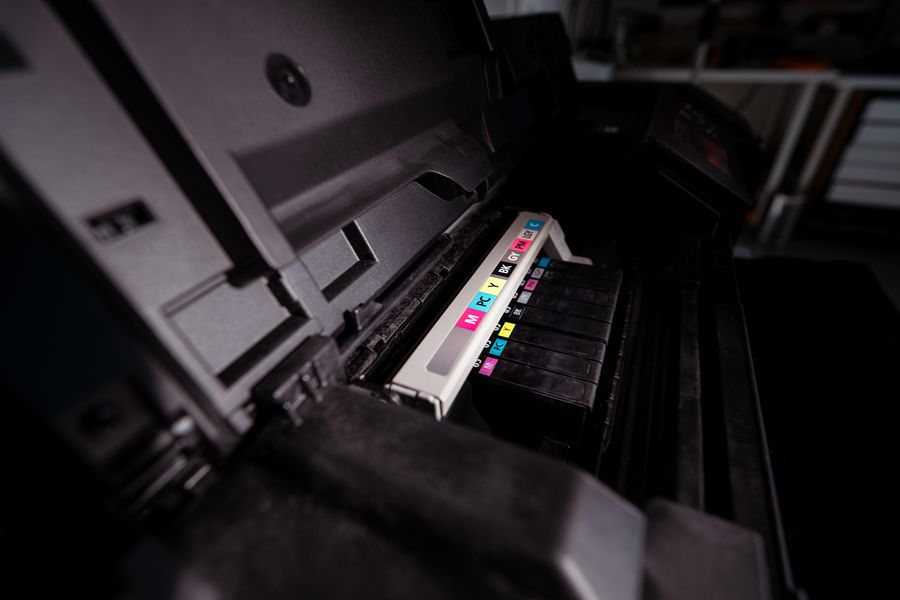
The heart of the printer: hundreds of nozzles that place the ink. In some printers it’s part of the cartridge.
Ink cartridges
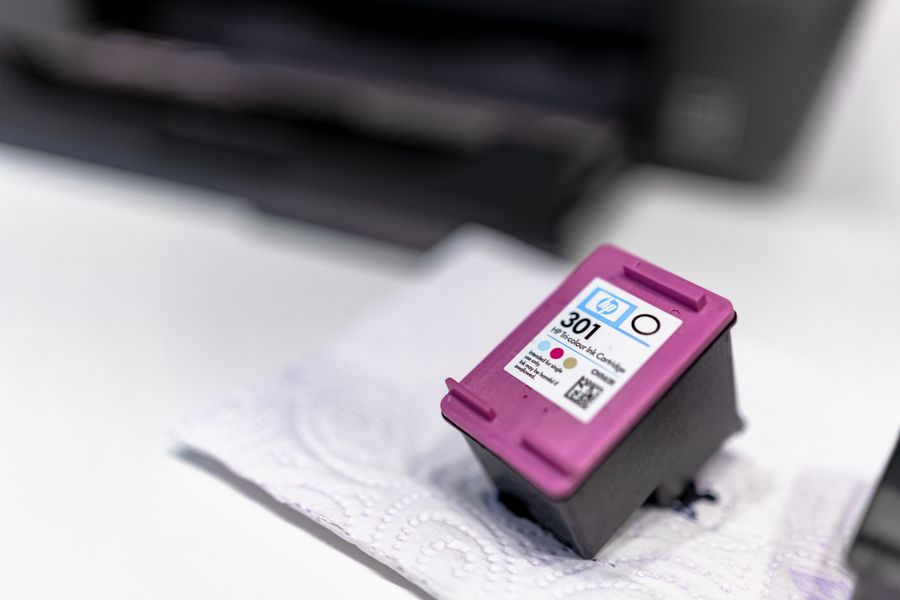
Hold the ink and are the part you replace most often – and the biggest running cost.
Carriage & belt
Carry the printhead back and forth across the page.
Paper tray & feed rollers
Hold the blank sheets and pull them in one by one.
Service station
Parks the printhead, caps the nozzles so they don’t dry out and runs the cleaning cycles.
Waste ink pad
Soaks up the ink used during cleaning. When it’s full, some printers stop until it’s replaced.
Paper advance roller
Moves the sheet forward a fraction after every pass of the printhead.
Inkjet or laser – which suits your office?
| Inkjet printer | Laser printer | |
|---|---|---|
| Prints with | Liquid ink | Toner powder |
| Best for | Photos, colour, occasional printing | Text, documents, higher volumes |
| Speed | Slower | Fast |
| Dries out if unused? | Yes, ink can dry in the printhead | No |
| Cost per page | Usually higher | Usually lower |
If you print a few pages a week and want great colour, an inkjet does the job. For daily invoices, letters and contracts, a laser printer is usually cheaper and more reliable – see how a laser printer works. Not sure which suits you? Our free printer advice is independent – we don’t sell printers.
Is something wrong? Common signs and what they mean
Streaks or white lines
Some nozzles are blocked. Run the nozzle check and cleaning function – but not over and over, as every cleaning uses ink.
Faded or wrong colours
A colour is running low or its nozzles are partly blocked.
Smudged prints
The ink hasn’t dried properly. Check that the paper type in your print settings matches the paper in the tray.
Paper jams or skewed pages
Usually dusty or worn rollers, or an overfilled paper tray.
Tip: print at least one page a week to keep the nozzles from drying out. Still stuck? Our Premium Tech Support solves most printer problems over the phone.
Frequently asked questions
Why does my inkjet use ink even when I’m not printing?
Inkjet printers run short cleaning cycles, for example when they’re switched on, to keep the nozzles clear. The ink used for this ends up in the waste ink pad.
Is an inkjet printer cheaper than a laser printer?
Usually cheaper to buy, but often more expensive per page. For regular office printing, a laser printer tends to work out cheaper over time.
How do I unblock inkjet nozzles?
Use your printer’s built-in nozzle check and cleaning function. If a couple of cleaning cycles don’t help, stop and get advice – repeated cleaning uses a lot of ink.
Should I unplug my inkjet at night?
Switch it off with the power button rather than pulling the plug. That way the printhead is parked and capped properly and the nozzles don’t dry out.
Can I use compatible ink cartridges in my inkjet?
Yes. Quality compatible cartridges work in the same way as the originals. Ours come with a 3-year guarantee
on quality, function, storage life and page yield.
Find out what your printing really costs
Our free Print Cost Check shows you where you can save on ink and toner – without compromising on quality.
Get my free Print Cost Check