Buy a printer and the real purchase begins afterwards: toner and ink, for years. Many manufacturers know it, and some design their products to make sure you keep buying from them.
The printer is the bait, the cartridge is the business
Printers are often sold at thin margins, sometimes close to cost, because the real money is made afterwards. Over the life of a machine, toner and ink can cost several times the purchase price of the printer itself.
That gives manufacturers a strong reason to keep every refill inside their own ecosystem. The question is how far some of them are prepared to go to do it.
Chips, firmware and warning messages
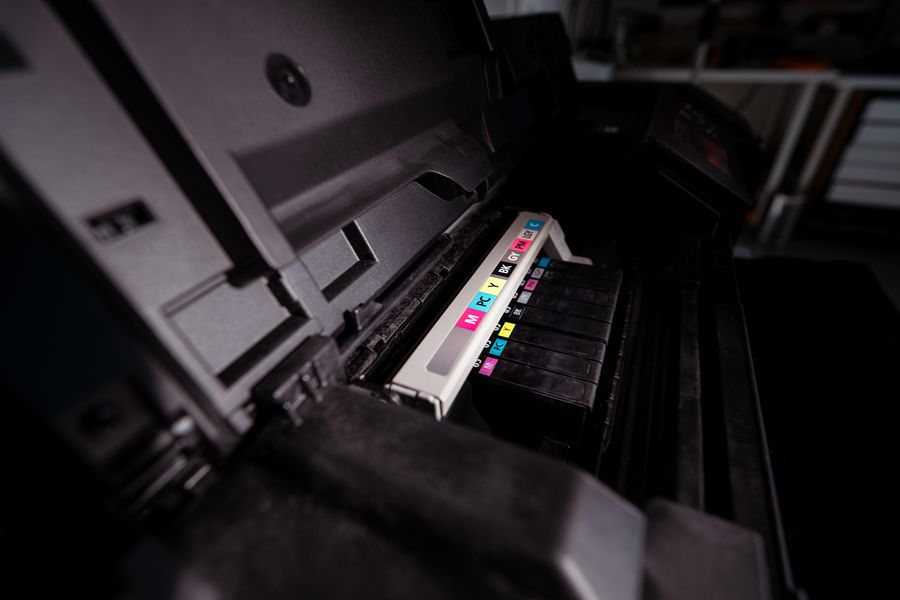
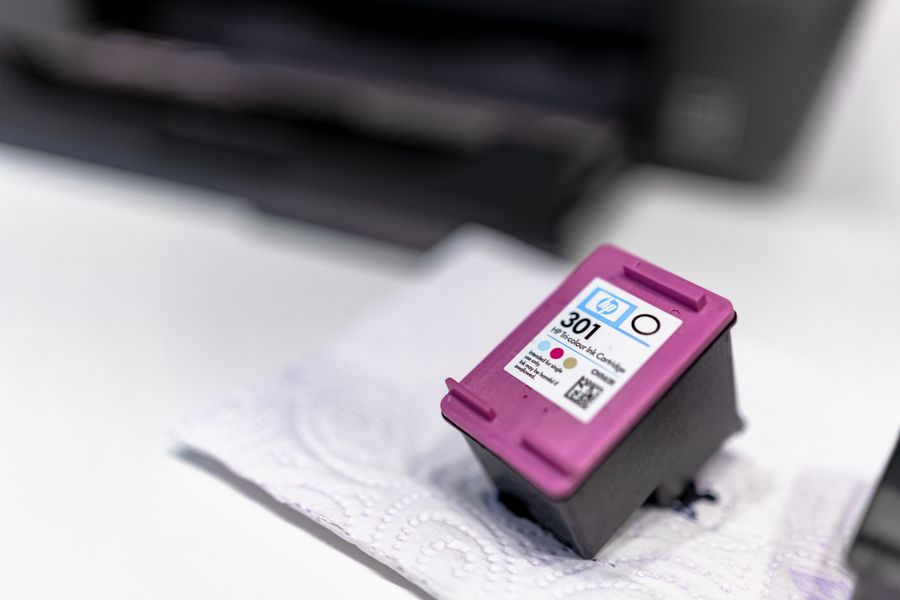
Most cartridges carry a small electronic chip. It tells the printer what is fitted, how much is left and, in some cases, whether the cartridge is on an approved list.
On top of that, some manufacturers have released firmware updates that cause printers to reject cartridges they accepted the day before. The cartridge still fits and still prints, but the printer shows an error until an original-brand one is installed.
Why this matters for a business
For a home user, a blocked cartridge is an annoyance. For an office, it can stop a whole department printing, tie up IT time and force a rush order at whatever price is on the shelf.
It also makes budgeting harder. If you can only buy from one source, you have little room to negotiate and no way to compare.
- Your printer choice affects your running costs for years
- One firmware update can change which cartridges your printer accepts
- A single source means no price comparison
What you can do about it
- Before buying a printer, ask what happens when non-original cartridges are used, and whether firmware updates can block them.
- Where your IT policy allows, hold back automatic firmware updates on printers that work well, and keep a note of the version in use.
- Choose a supplier who matches cartridges to your exact printer model and stands behind them with a written guarantee.
- Keep a spare set on the shelf so one problem never stops the office.
Where Commercial Toner fits in
Our cartridges are matched to your exact printer model and come with a 3-year guarantee covering quality, function, shelf life and page yield. If you are not sure which cartridge your printer needs, one call is all it takes.
Behaviour differs between manufacturers and models. Always check the terms that apply to your own devices.