In 30 seconds
Liquid, not powder
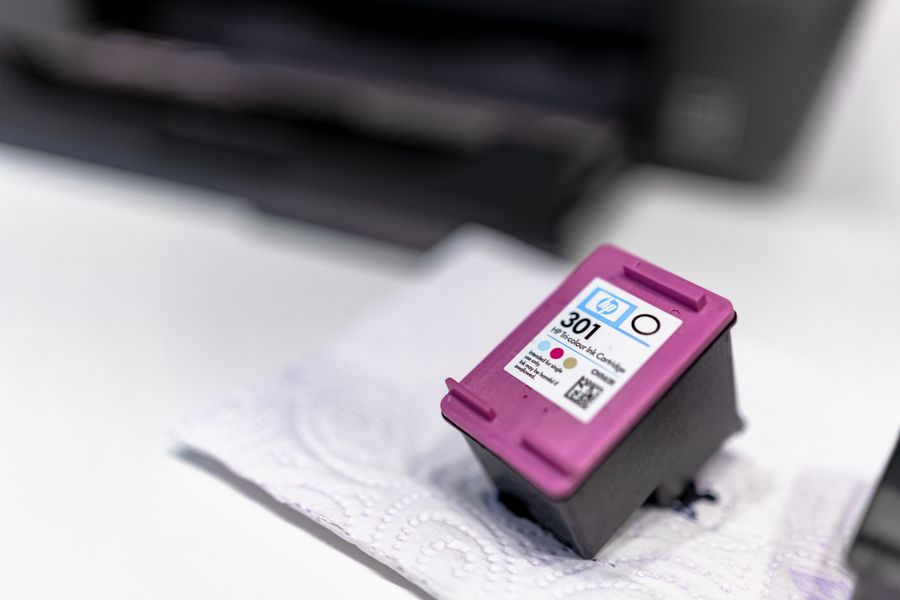
Ink cartridges hold liquid ink and are only used in inkjet printers. Laser printers use toner powder instead.
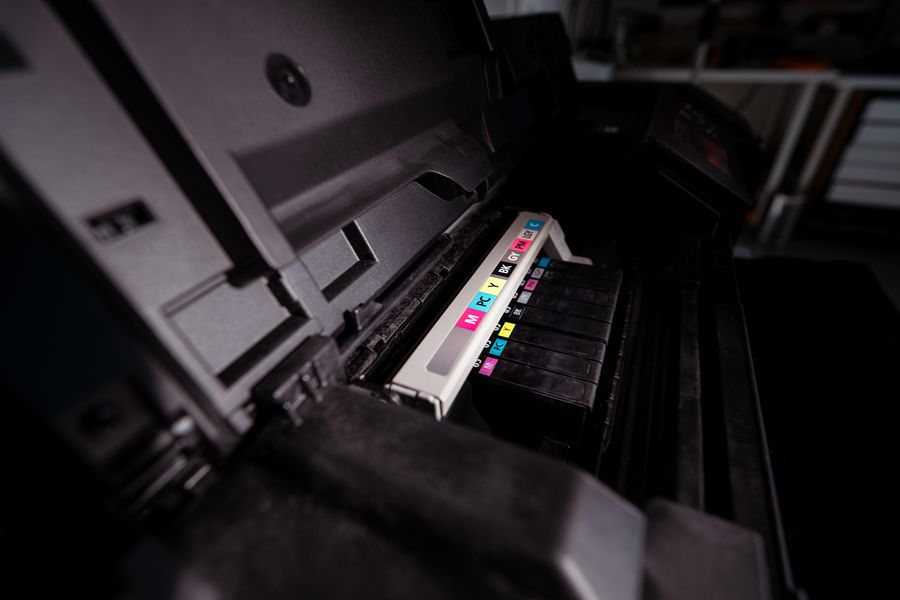
One colour or several
Some printers take one cartridge per colour, others one combined colour cartridge. Many printers stop printing when just one colour runs out.
It can dry out
Ink is liquid, so it can dry in the nozzles if the printer sits idle. Printing a page every week or so keeps things flowing.
What’s inside an ink cartridge?
From the outside it looks like a simple plastic box. Inside, it’s a carefully balanced system that has to deliver ink to the printhead at exactly the right pressure – not too much, or it drips; not too little, or the printhead runs dry.
Ink chamber
Holds the liquid ink – either in an open tank or in a soft bag that collapses as the ink is used.
Foam sponge
Keeps the ink under gentle back-pressure so it only flows when the printhead draws it.
Air vent
A tiny, winding channel that lets air in as ink is used, without letting the ink dry out.
Outlet & filter
Connects the cartridge to the printhead and keeps dirt out of the nozzles.
Chip
Stores details such as the cartridge type and colour, and helps the printer estimate the ink level.
Seal & tape
The protective tape and clip you remove before fitting. They keep the cartridge airtight until it’s used.
Printhead (in some cartridges)
In some printers the printhead is built into the cartridge, so you get a fresh one with every change. In others it’s a permanent part of the printer.
Dye ink or pigment ink?
|
Pigment ink |
Dye ink |
| Made of |
Tiny solid colour particles carried in liquid |
Colour fully dissolved in liquid |
| Best for |
Sharp text and documents |
Vivid colours and photos |
| Water resistance |
Good |
Lower – can run if it gets wet |
| Fade resistance |
Good |
Lower in direct sunlight |
Many office inkjets combine both: pigment black for crisp text and dye colours for bright graphics.
Why is printer ink so expensive?
Printers are often sold at low prices, while the margin is made on the ink – the classic “razor and blades” model. Measured by the litre, original ink can cost more than many luxury goods. We’ve put the numbers side by side in Ink cost vs petrol.
Quality compatible cartridges work in the same way as the originals, but cost considerably less. Ours come with a 3-year guarantee
on quality, function, storage life and page yield.
Is something wrong? Common signs and what they mean
Streaks or missing lines
Usually dried or blocked nozzles. Run your printer’s nozzle check and cleaning function.
Colours look wrong
One colour is running low or its nozzles are blocked. A nozzle check page shows which one.
“Cartridge not recognised”
Take it out, check that all protective tape is removed and gently wipe the chip contacts with a dry, lint-free cloth. If it starts after a printer update, read why printers sometimes block cartridges.
“Ink low” although prints look fine
Printers often estimate the ink level by counting rather than measuring, so warnings can come early.
Still stuck? Our Premium Tech Support
solves most printer problems over the phone.
Frequently asked questions
What’s the difference between an ink cartridge and a toner cartridge?
An ink cartridge holds liquid ink for inkjet printers. A toner cartridge holds fine, dry powder for laser printers. The two are not interchangeable.
How long does an ink cartridge last once it’s installed?
That depends on how much you print. Many manufacturers recommend using a cartridge within about six months of installing it, as the ink can start to dry out after that.
Can I store spare ink cartridges?
Yes. Keep them sealed in their packaging, at room temperature and out of direct sunlight, and check the date on the box.
Why does my printer say the cartridge is empty when it still prints?
Many printers estimate ink levels rather than measure them, and some stop early to protect the printhead. A little ink is often still left in the cartridge.
Can I use compatible ink cartridges?
Yes. Quality compatible cartridges work in the same way as the originals. Ours come with a
3-year guarantee
on quality, function, storage life and page yield.
Find out what your printing really costs
Our free Print Cost Check shows you where you can save on ink and toner – without compromising on quality.
Get my free Print Cost Check
Related guides